
Slashimi: All out of Clams

1st Place at Chillenium Game Jam, the world’s largest collegiate 48 hour game jam
Winner of the Audience Choice Award
Team Project
Anthony Le, Cole Schantel, Brendan Garrow, Tyler Wilkes
I was responsible for Technical Art, VFX, UI Art, Sounds, Character Modeling & Rigging, and Look Development
SOFTWARE USED:
Blender
Unity Engine
Clip Studio Paint Pro
Substance Painter
Slate Editor (Facedown FX)
February 2026
Slashimi is a game that I created with a team for the Chillenium Game Jam. With my experience using Unity creating FX and custom materials, I was able to provide customizable and dynamic materials that helped boost the production of our game and establish our game’s visual identity. We got ahead in art production very fast, by the time the first day ended we already had four characters completely modeled, rigged, and textured. We had lots of time to really polish and add the final finishing touches to make our game pop amongst the competition, and successfully landed us in first place out of 300+ participants!
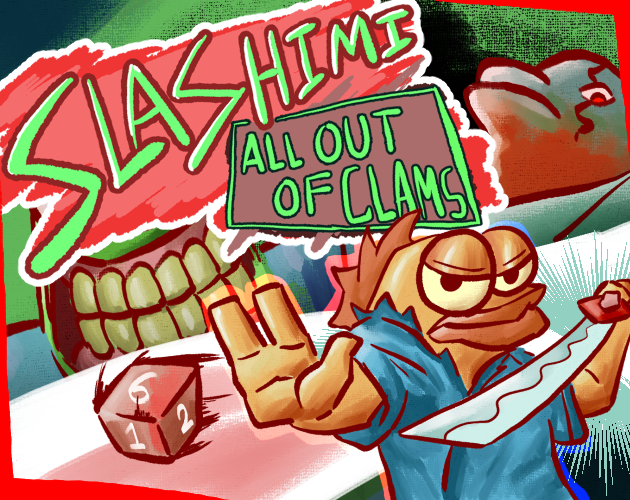
SLASHIMI: All Out of Clams
LINK TO ITCH.IO
Gameplay Video Created by Cole Schantel
TECHnical Art
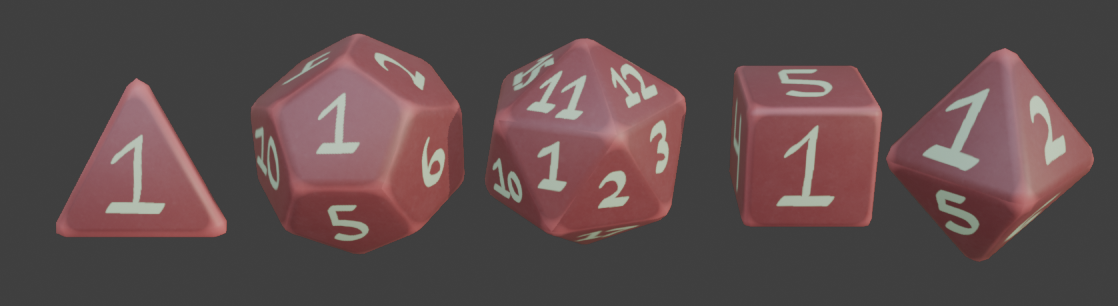
Our game has a dice mechanic that rolls a dice upon pick up and determines the power of that dice’s buff.
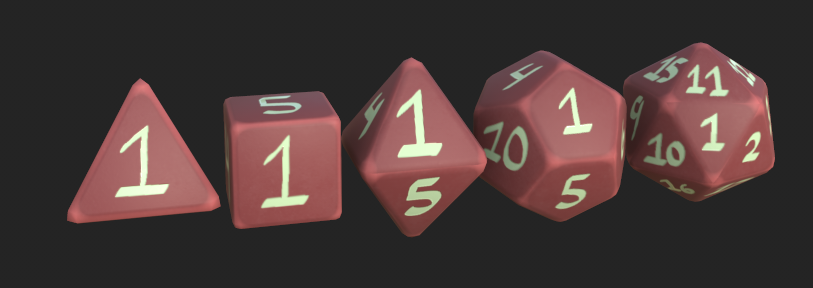
I needed to give our programmers Brendan and Tyler a way to convey the dice rolled into our UI, so I modeled, textured, and rendered out each of the sides of our dice types.
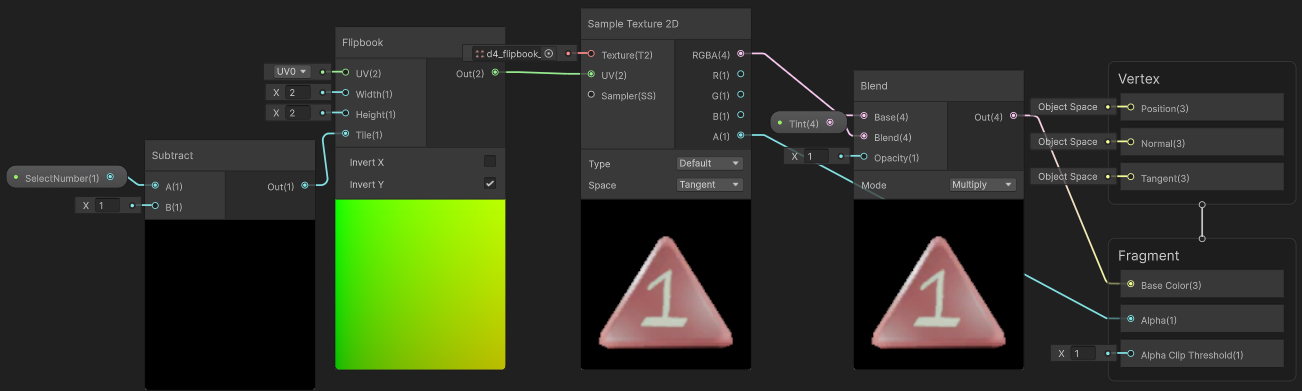
I plugged the renders into Slate Editor from Facedown FX to generate a flipbook texture, and then I developed a shader graph in Unity that selects a tile based on a flipbook texture.
It is easily controlled using a float value parameter.
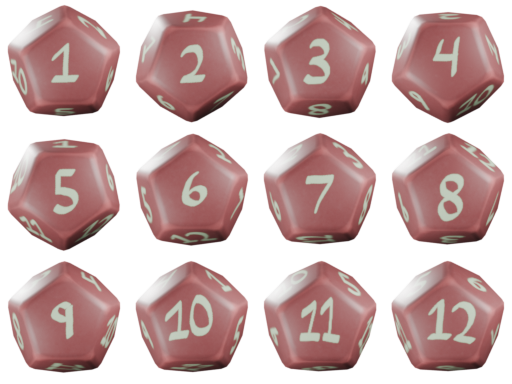
This is one of the flipbooks I created for the dice elements in our game.
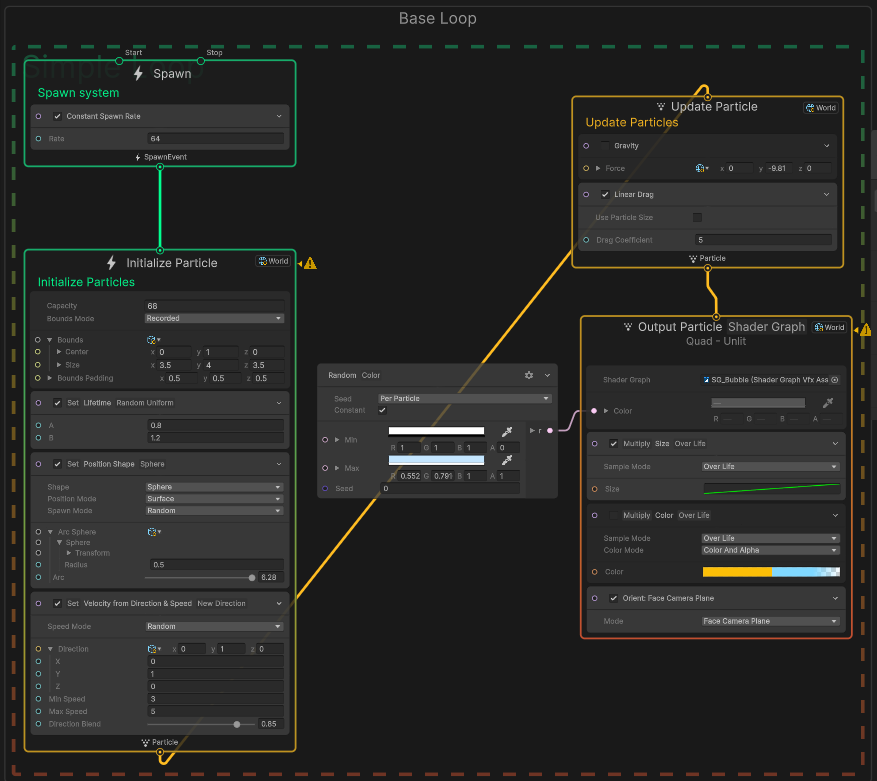
Our game had swimming enemies, however it would look strange if they were just floating without some sort of effect to convey that they’re floating in water.
I created this bubble effect using the visual effects graph in Unity to attach to the floating characters, and it really helped to make them stand out.
I used this same bubble effect to populate the environment with bubbles to make it feel more like the player is underwater.
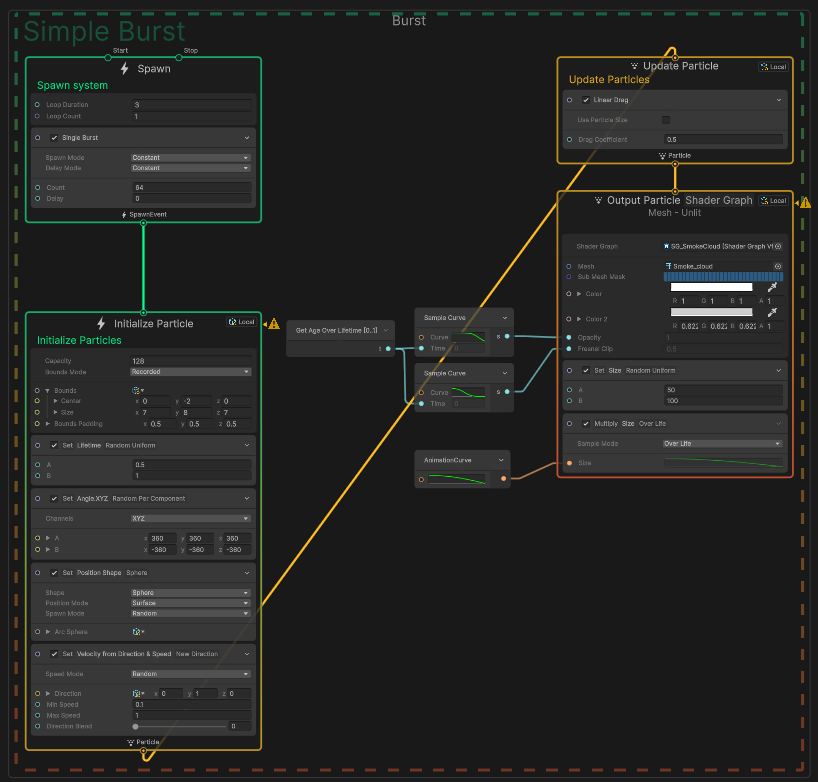
This is a smoke cloud effect that I created using Unity’s visual effects graph.
I made the smoke cloud mesh particles using NURBs meshes inside of Blender, and imported them into Unity to be used as particles.
The goal was to give some nice looking feedback when the player defeats an enemy, and it’s satisfying to turn an enemy into a poof.
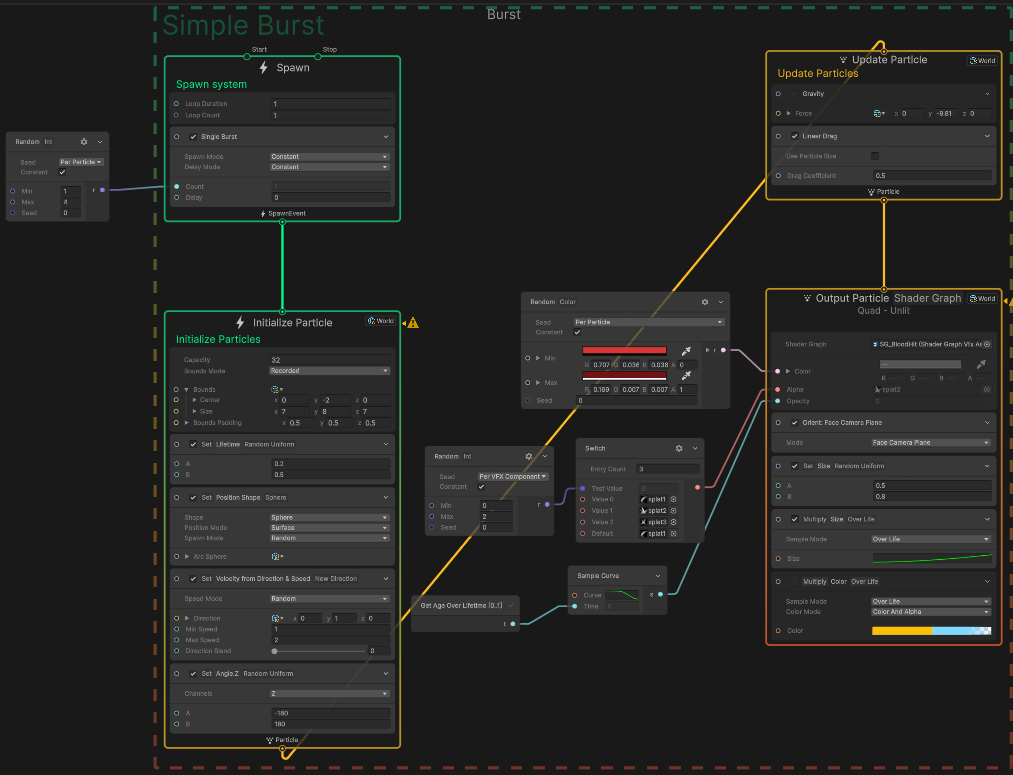
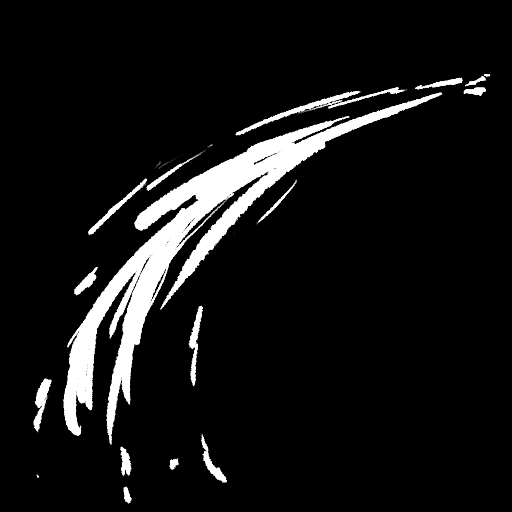
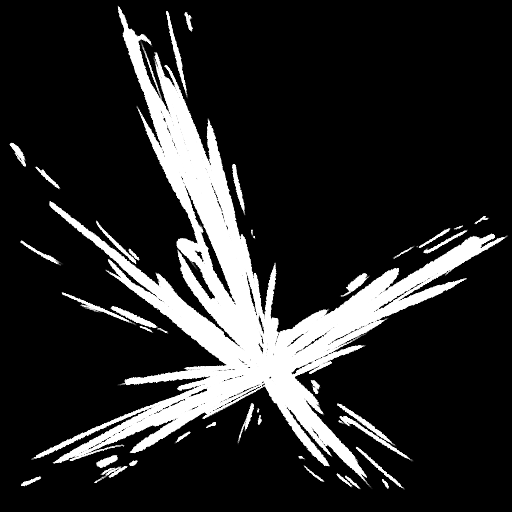
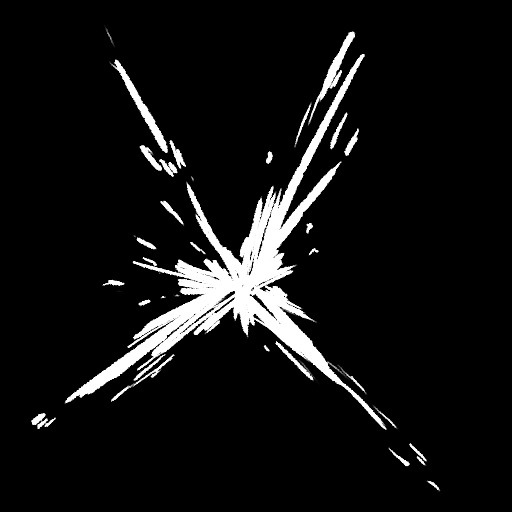
This is a blood hit effect to give the player some feedback when hitting an enemy, in addition to the hit flash.
I created the alphas using Clip Studio Paint, and imported them into Unity and created a material out of them that draws a red but slightly randomized hue for variation.
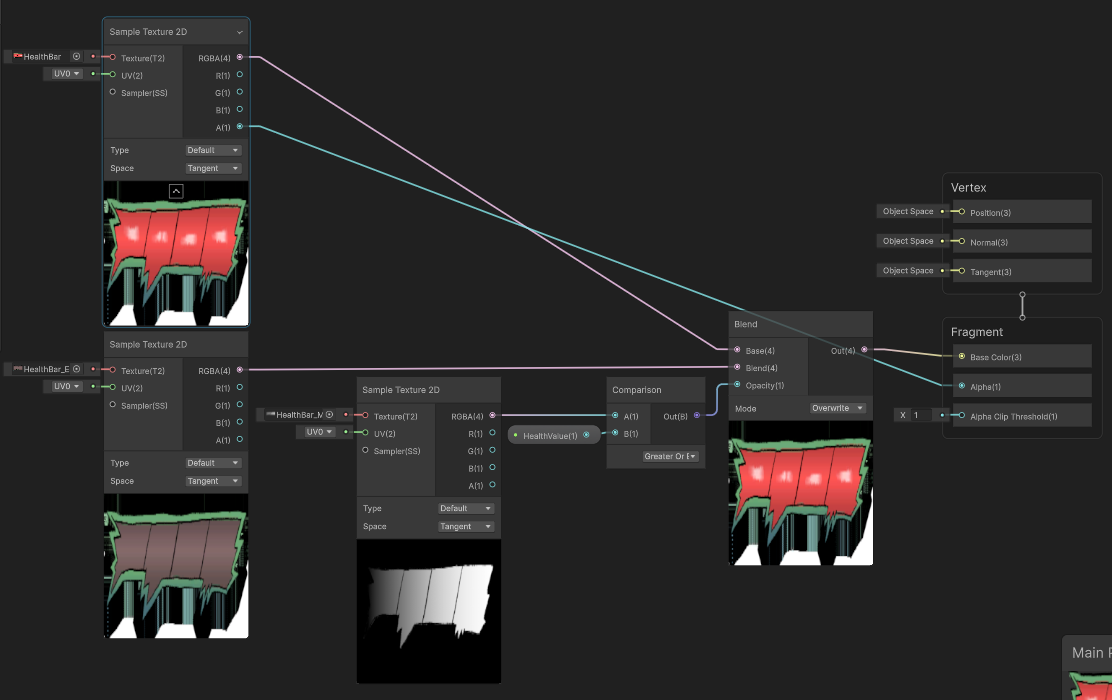
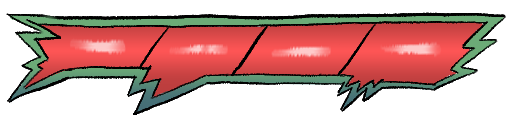
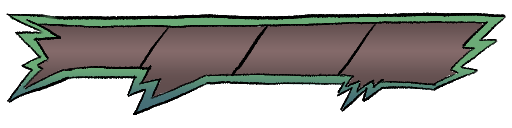
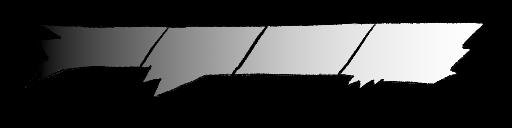
I wanted to create a custom health bar for our game, so I designed it inside of Clip Studio Paint.
There are three textures at work,
one is the complete health bar with full health,
one is a version of the health bar with no health,
and the last one is a linear gradient for the health bar.
The gradient is used like a mask, I took advantage of the linear values of gradients and used a comparison node to create a black and white mask that is used to blend between the full health and empty health bar.
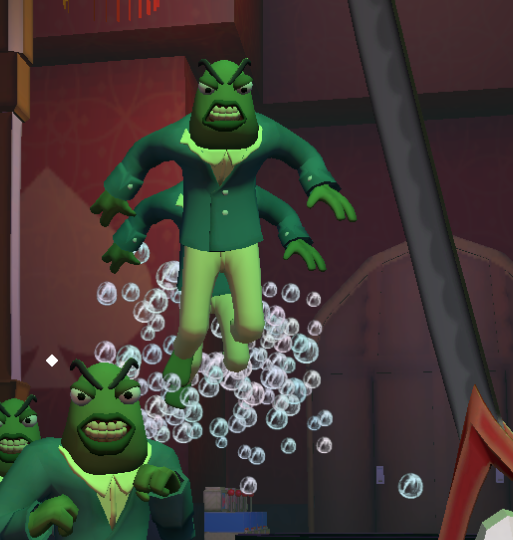
Here is an example of a swimming enemy.
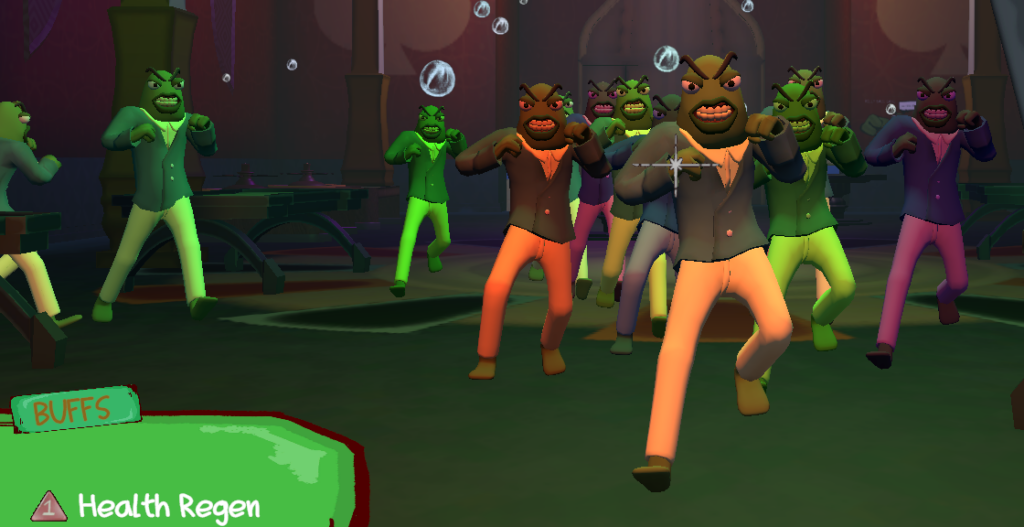
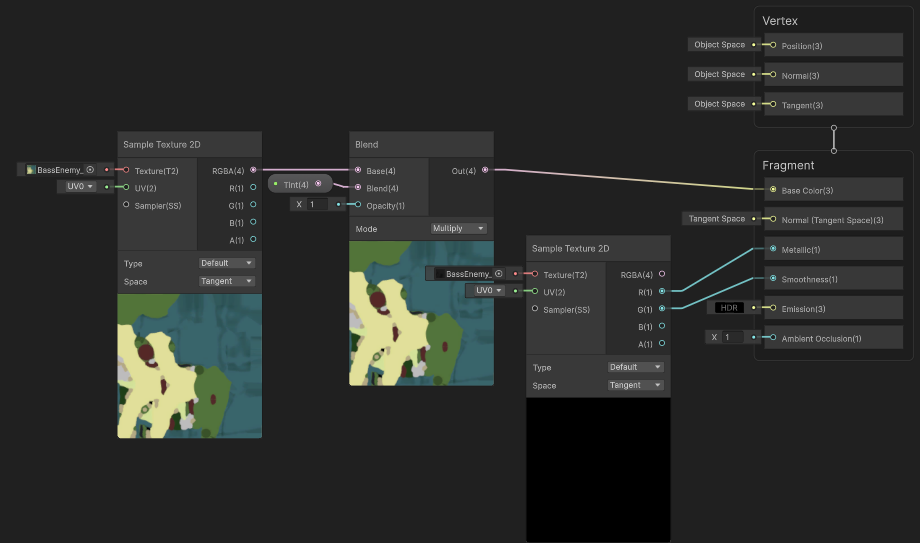
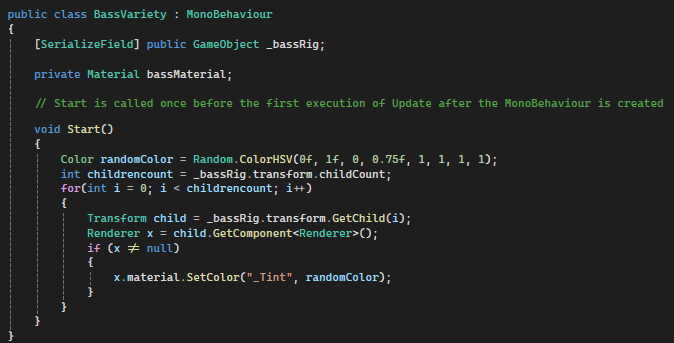
I also had a small hand in creating a custom script component to add in slight color variations for individual bass enemies, as well as spawning in the bubbles for phase of the dolphin boss.
Since the bass enemy spawns often, I figured that there should be a way to add in some variety to them.
I opted to do randomized color variations. It’s a simple solution but more than good enough since we were on a time constraint.
UI / 2d Art
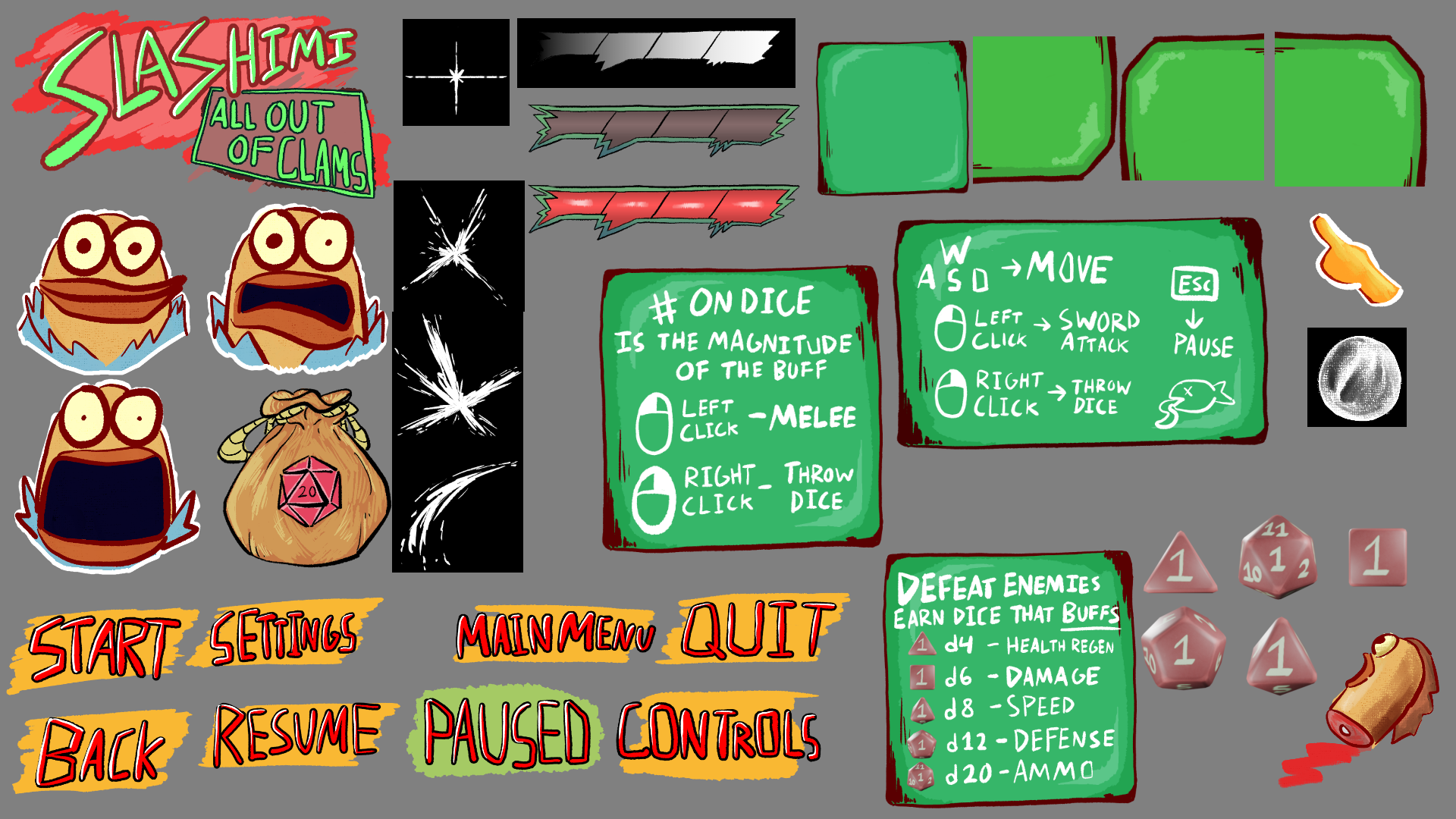
This is a collection of all of the UI elements that I drew for Slashimi.
They were created using Clip Studio Paint.
I started out sort of freestyling it and eventually leaned toward a green and red “chummy” color scheme.
Having a fully designed UI scheme definitely gave our game a nice layer of polish that complemented the gameplay and themes.

In addition to the UI elements, I created my own font that I handwrote myself to give our text some unique personality.
Having this font allowed for more UI elements to be created using the UI containers that I drew.
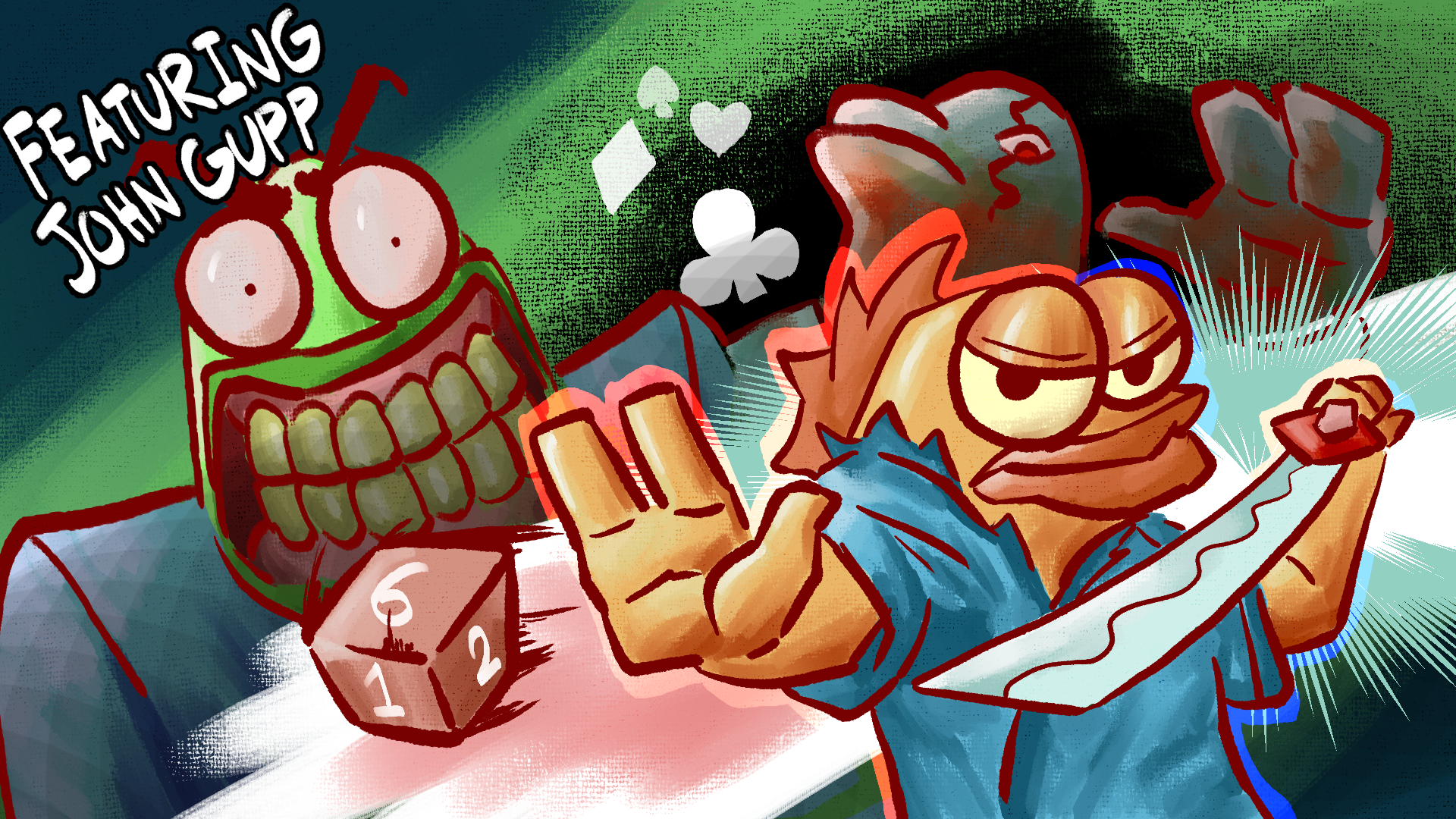
Finally, here is the main key art that I drew for the main menu and thumbnails using Clip Studio Paint.
The overall design is pretty simple while taking advantage of colors to make it pop out and appealing.
CHARACTER
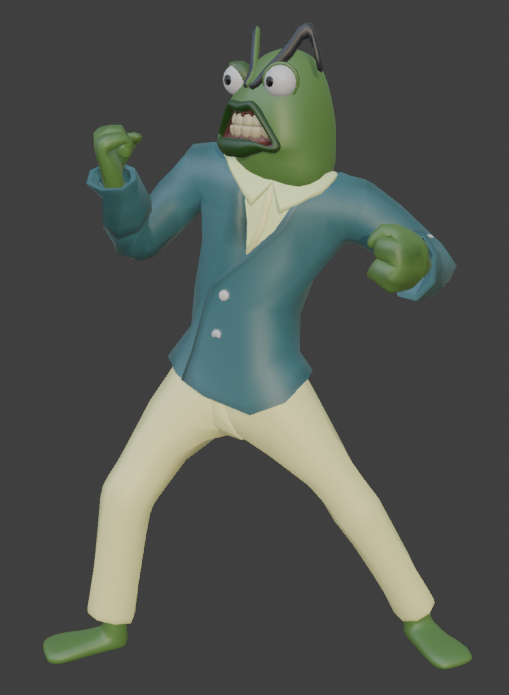
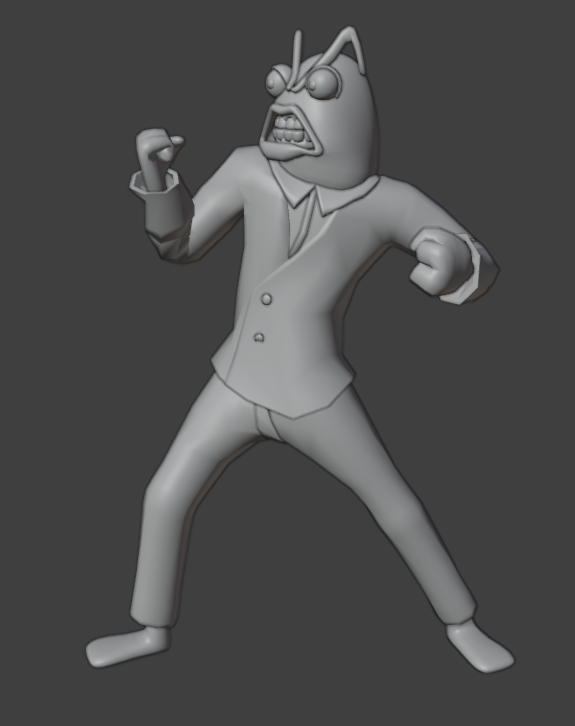
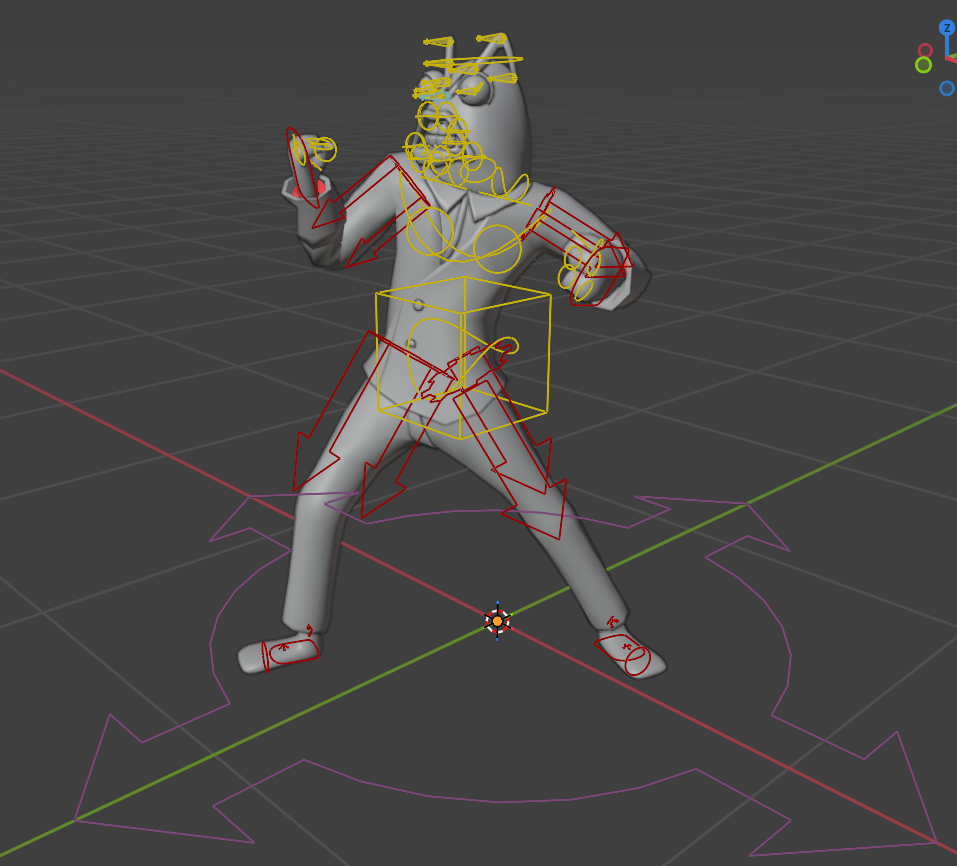
Here is the Bass Enemy that I modeled, rigged, and textured.
I managed to complete this character entirely within the first couple hours of the event so our programmers and animator already had something to work with right after they finished pre-production work.
The simple design worked in my favor as it was easy to box model with subdivisions.
For all of our characters we made use of the Rigify Blender addon of which Cole and I are familiar with and can crank out working rigs in less than an hour.
Surfacing
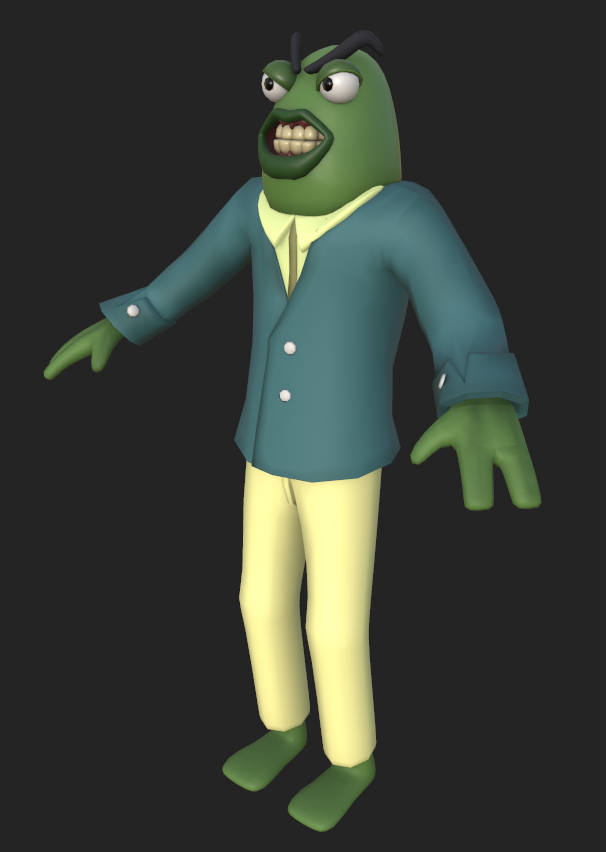
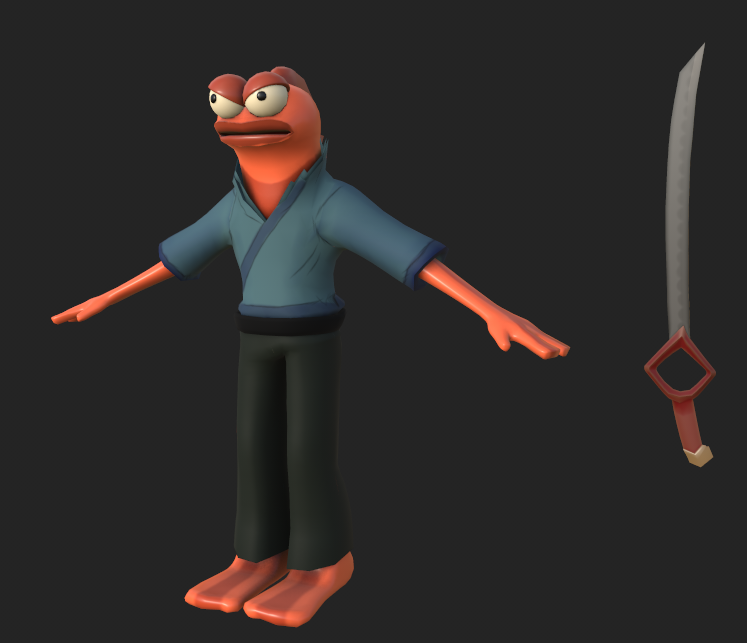
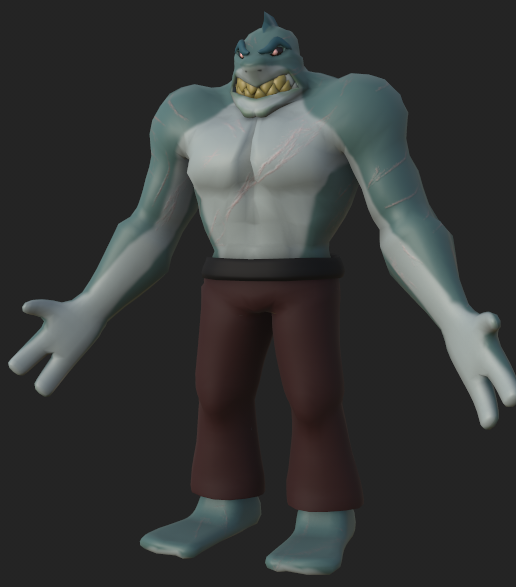
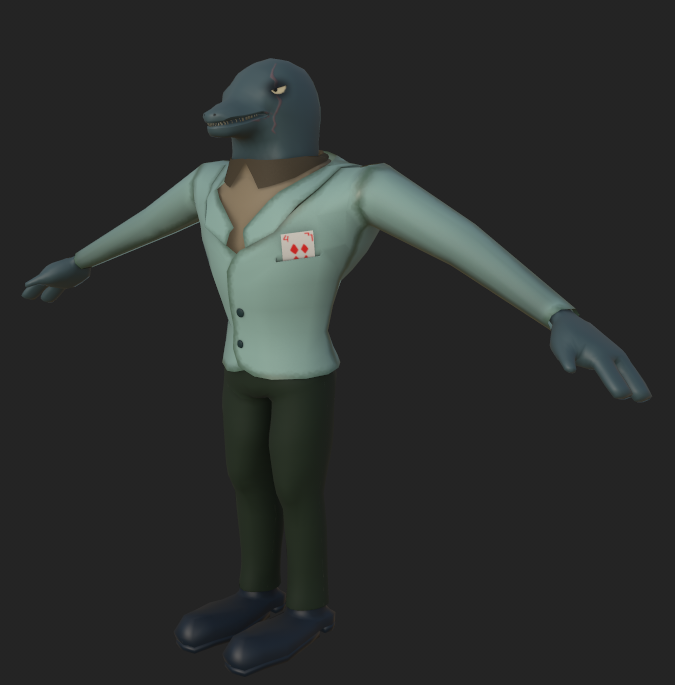
These are the characters that I designed and surfaced in Substance Painter for our game.
I wanted to go for a simplistic cartoonish style and also have nice diffuse lighting.
These characters do not have much detail but I wanted to give them a good depth and richness through subtle gradients and blurred edge traced effects.
I fully modeled and rigged the Bass enemy (The first one on the left). The rest of the character models were done by Cole Schantel.
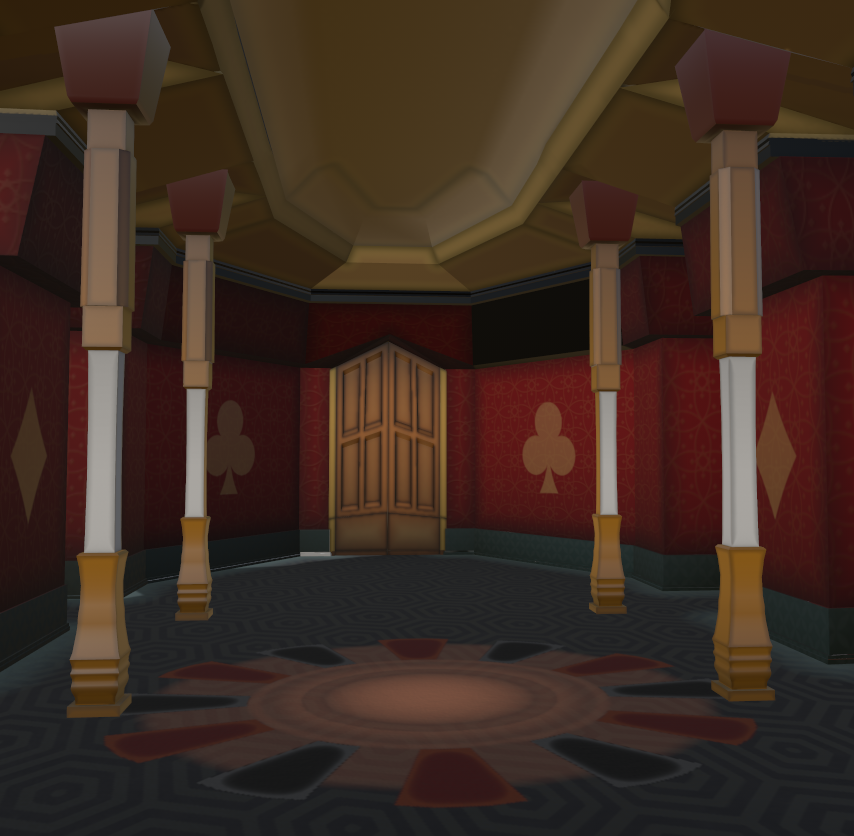
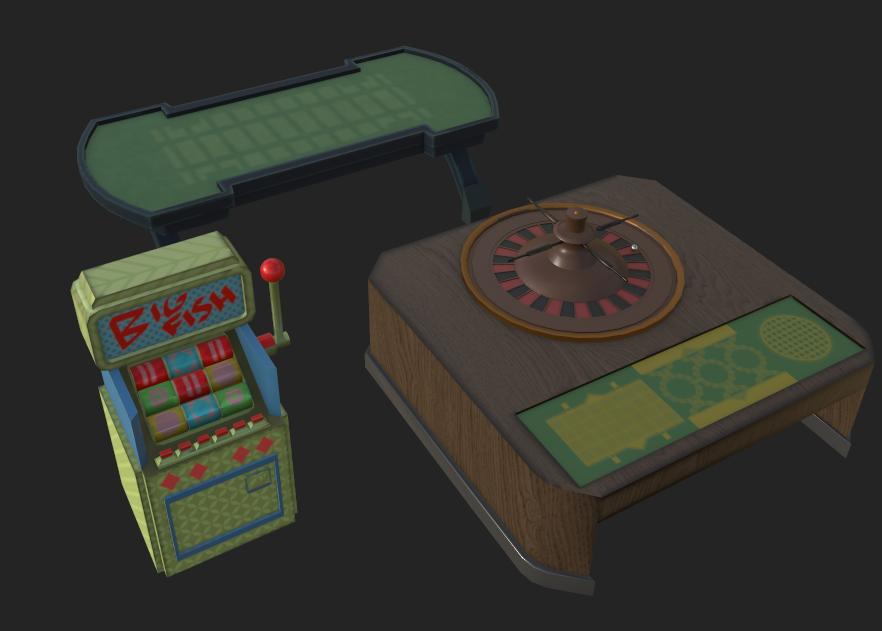
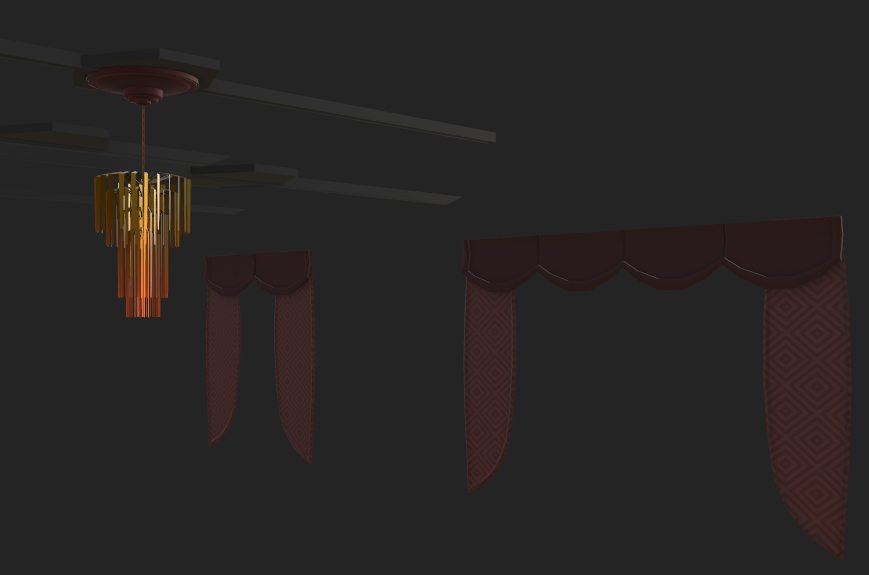
In addition to surfacing the characters, I also surfaced all of the environments and props using Substance Painter.
I wanted to give the environment the appearance of a casino, and also bring out the details of the modelling.
I made a lot of use of edge detection and blurred to make dark gradients that make the environment feel lived in, and also applied gradients all along the walls from the bottom up to make everything feel more grounded.

The roulette design at the bottom required me to design a custom alpha using Blender that I could use to color the red and black rectangles, and also give them a cool lightened edge effect.
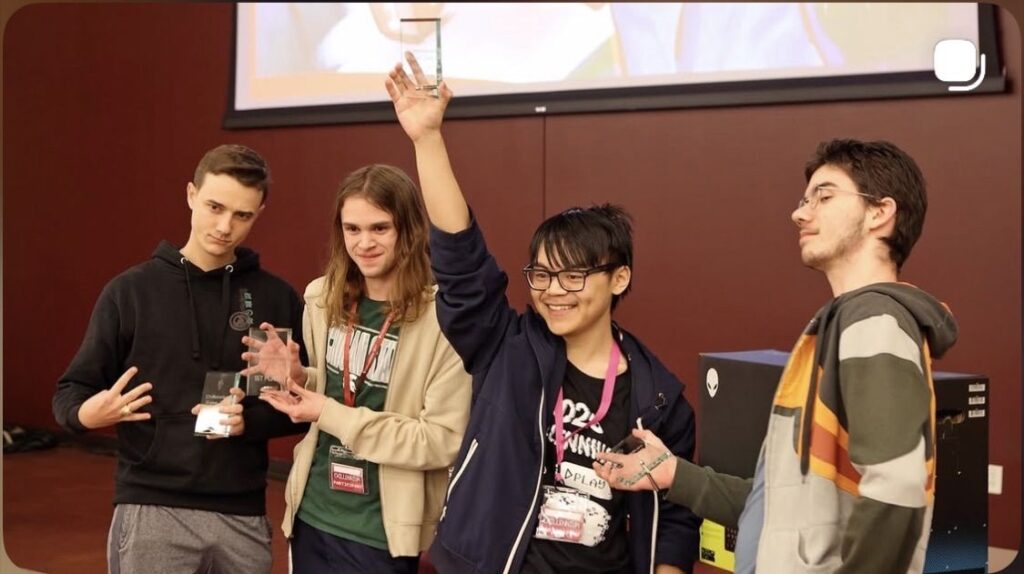
Bonus image of us winning first place at Chillennium!